
How to set up your own background in Zoom
First, let's discuss how to set up your own background in Zoom in case you haven't had the opportunity to do it before.
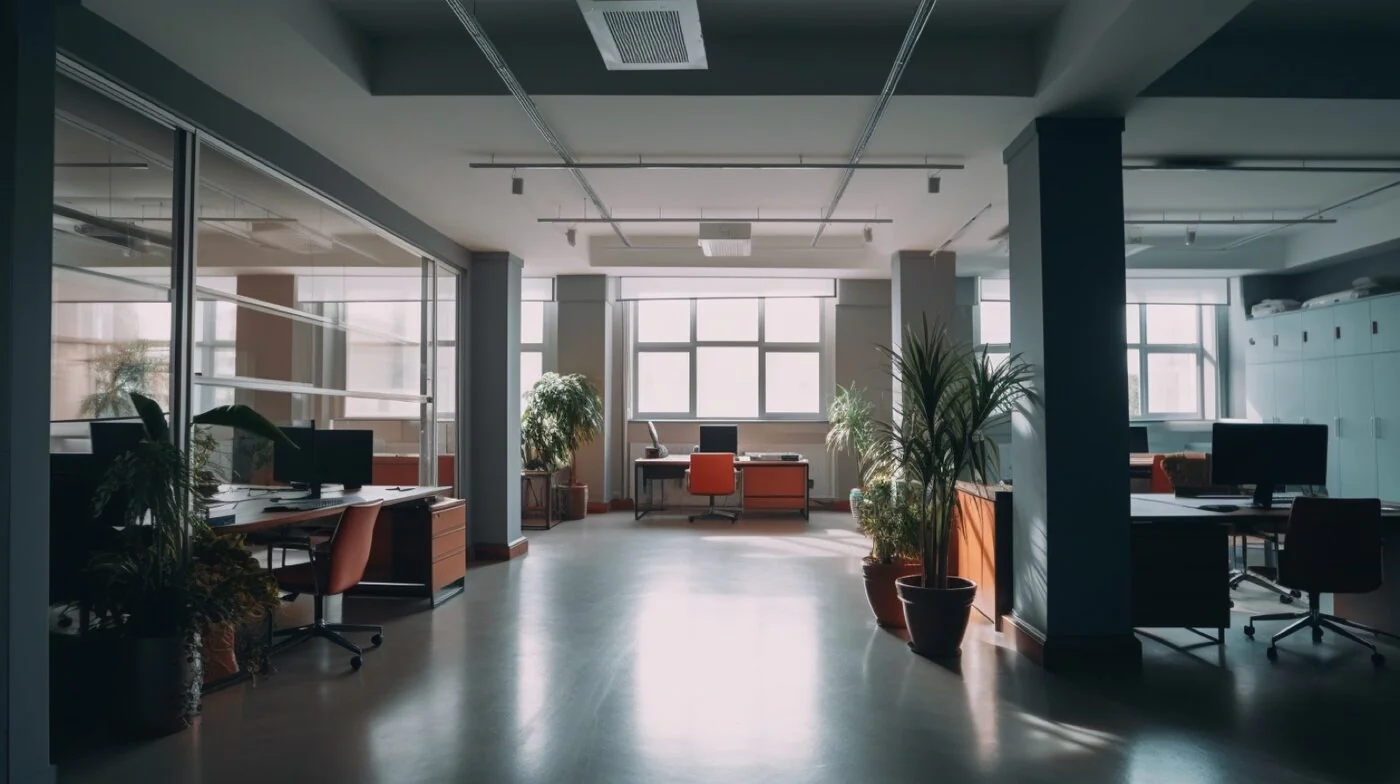
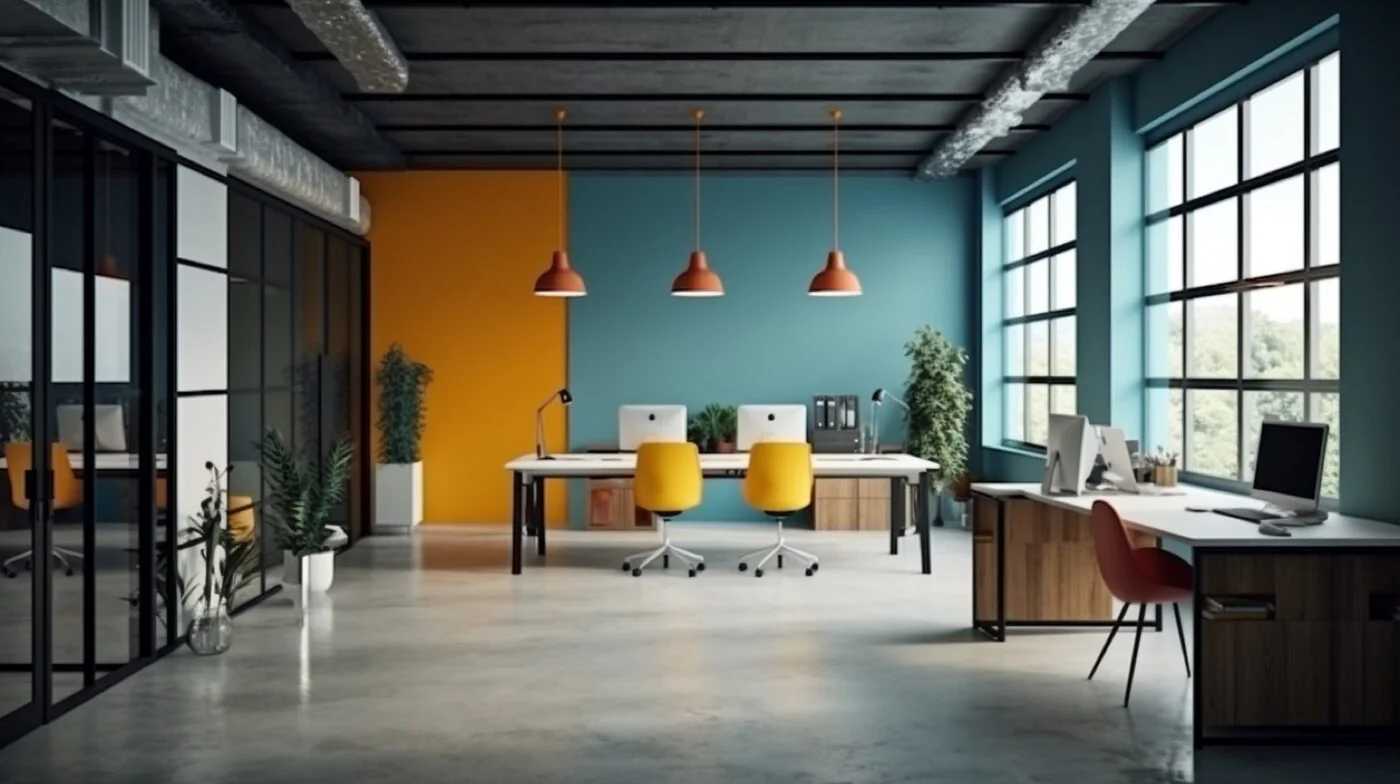
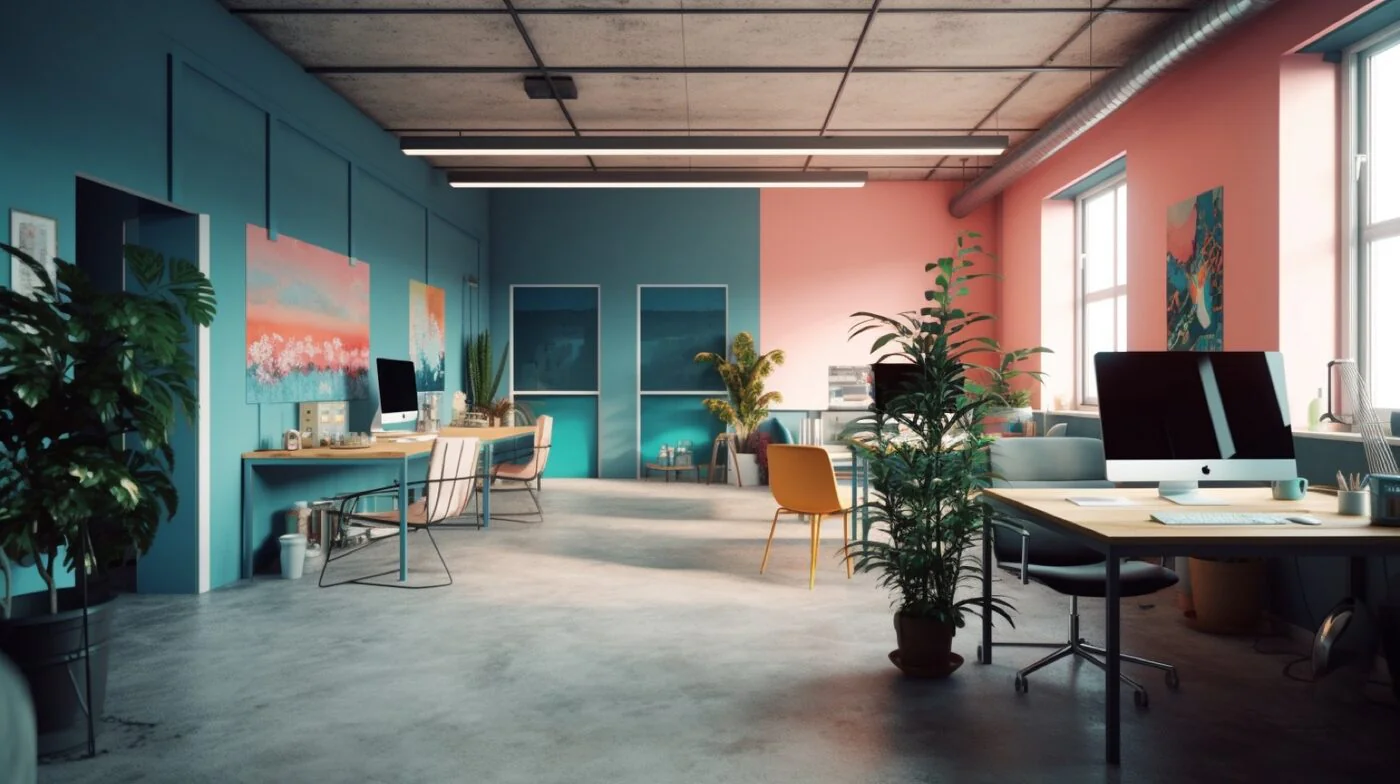
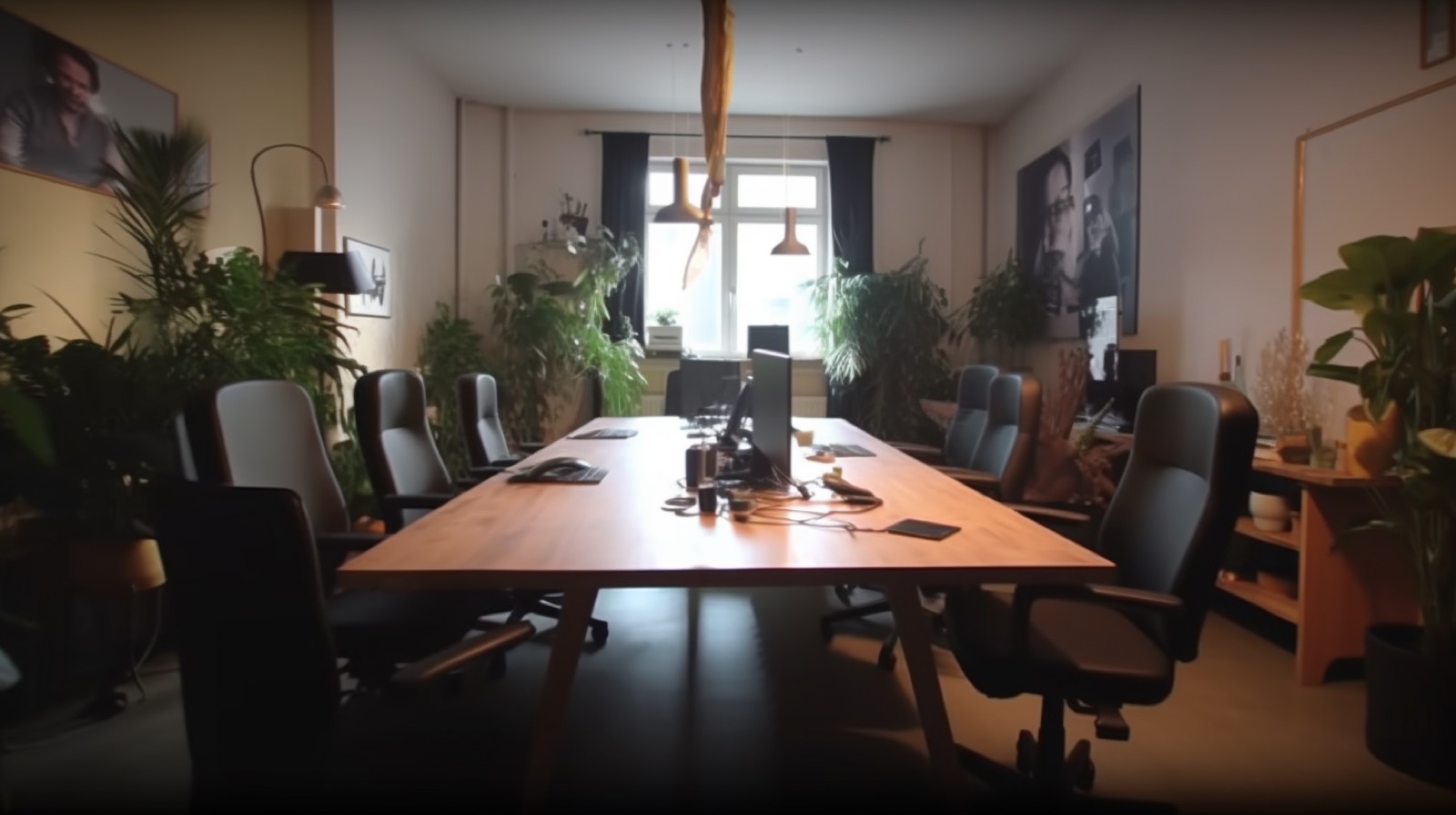
Office Backgrounds
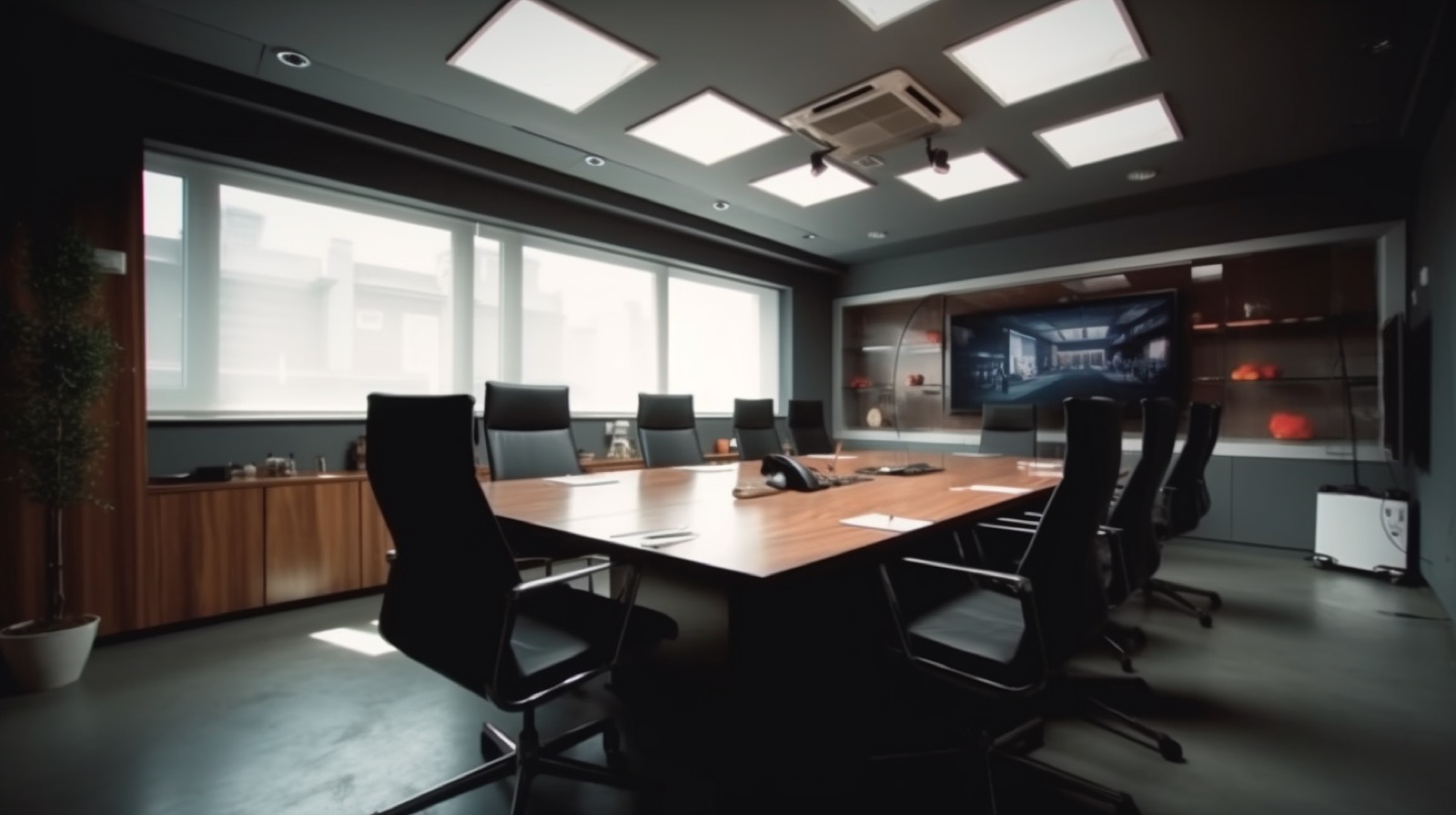
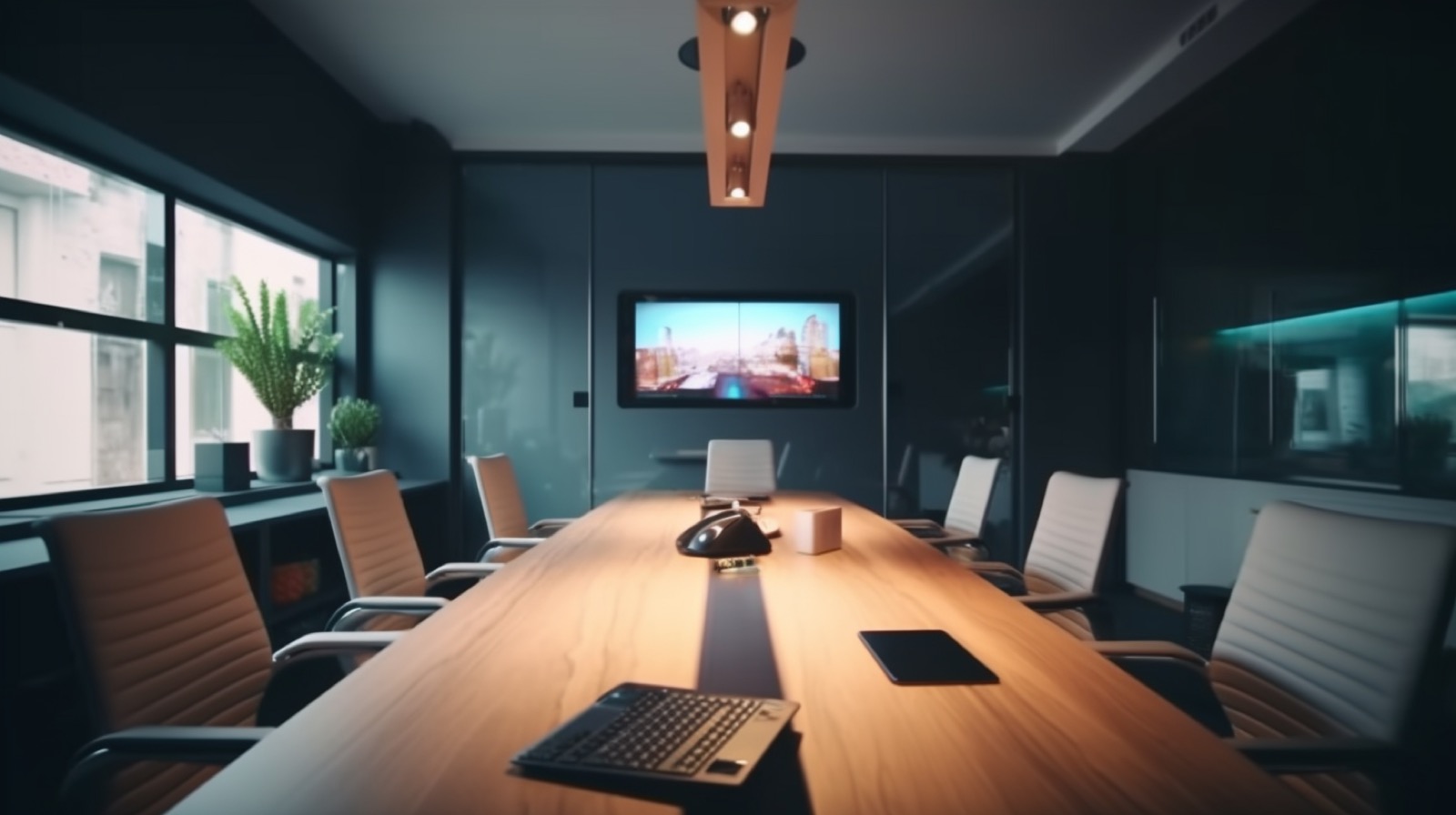
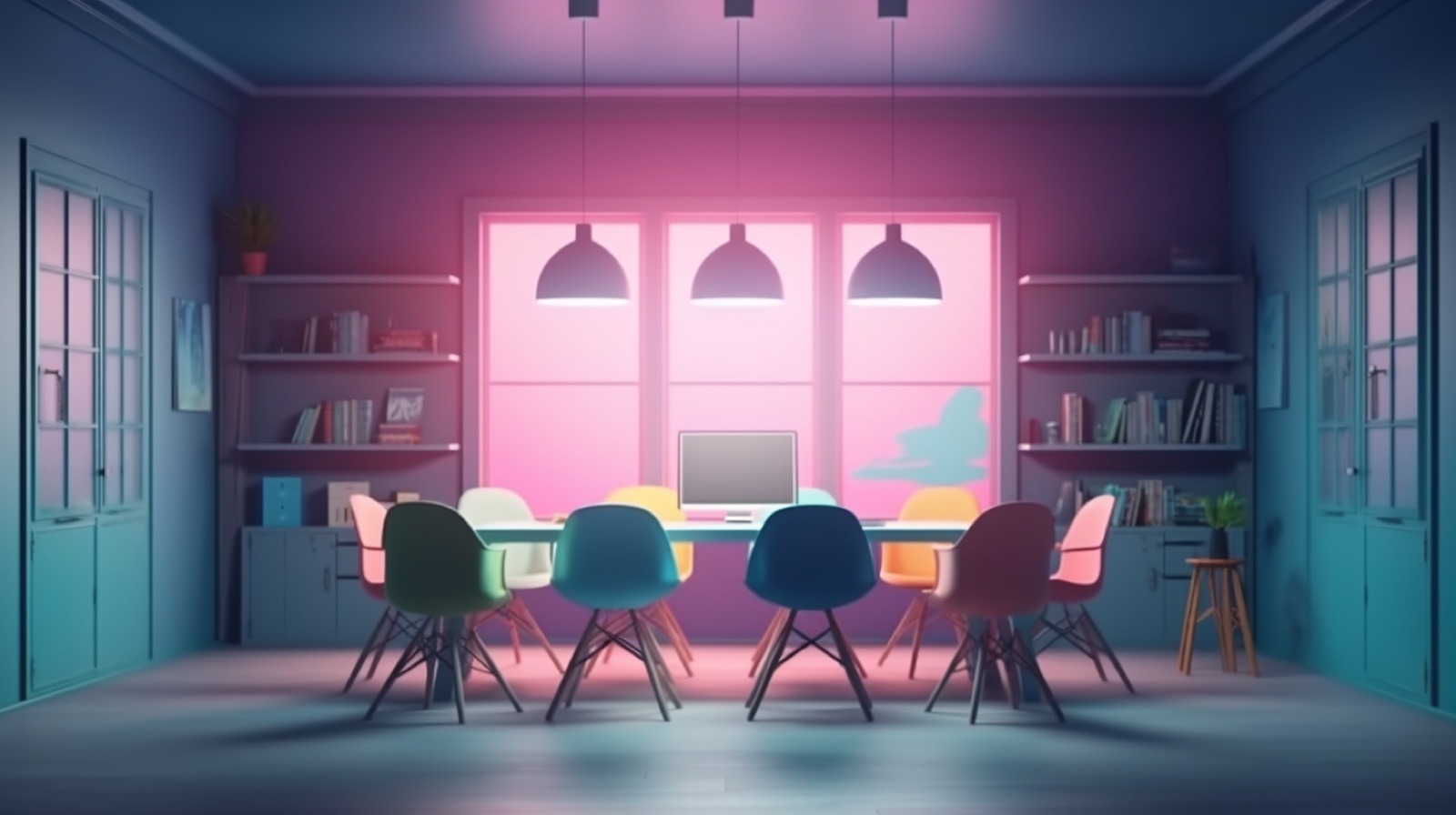
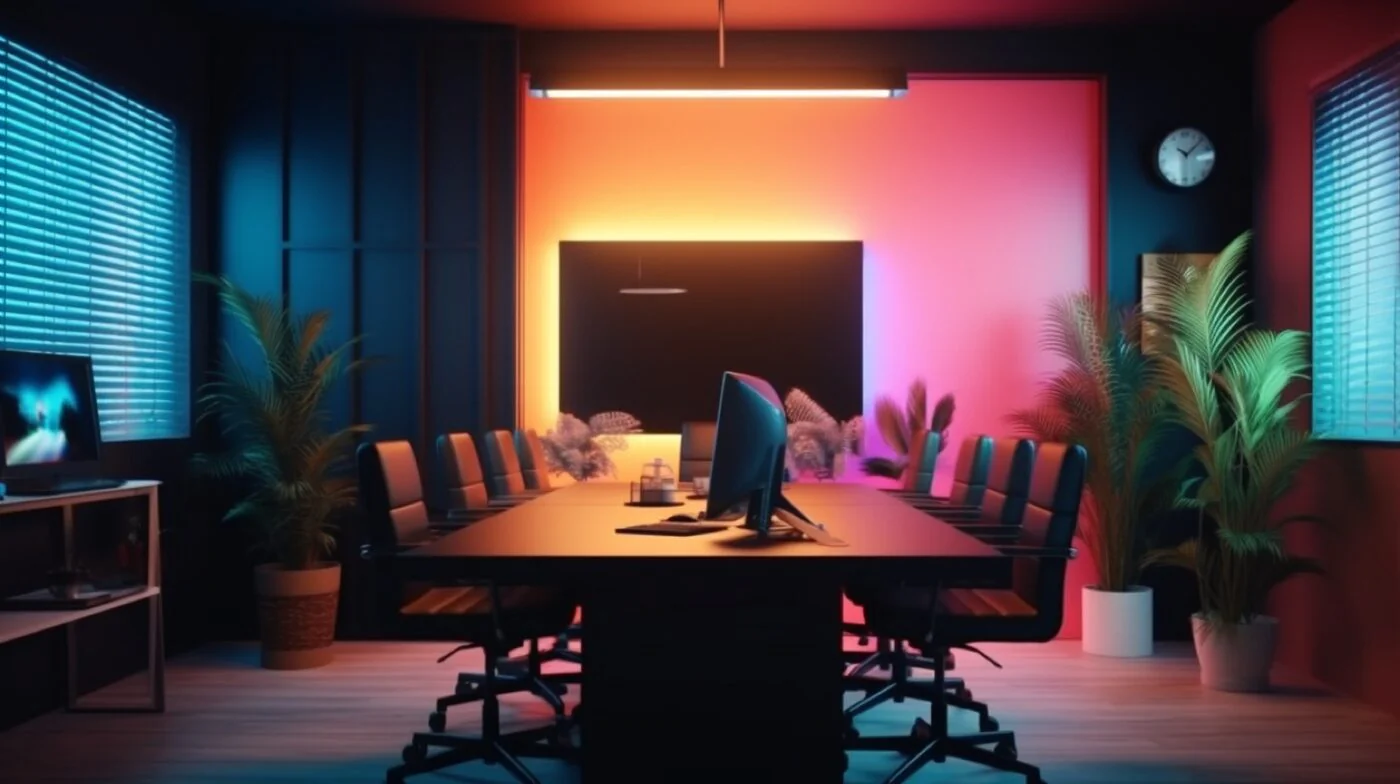
Office backgrounds are perfect for professional business meetings. They help maintain a professional tone and focus while concealing any clutter in your actual environment. These settings enhance meeting productivity through reduced distraction.
Funny Backgrounds
Humor can improve cognitive function and creative thinking. Funny backgrounds are great for casual team interactions and informal meetings. However, make sure to use these backgrounds in appropriate settings - not for serious business presentations!



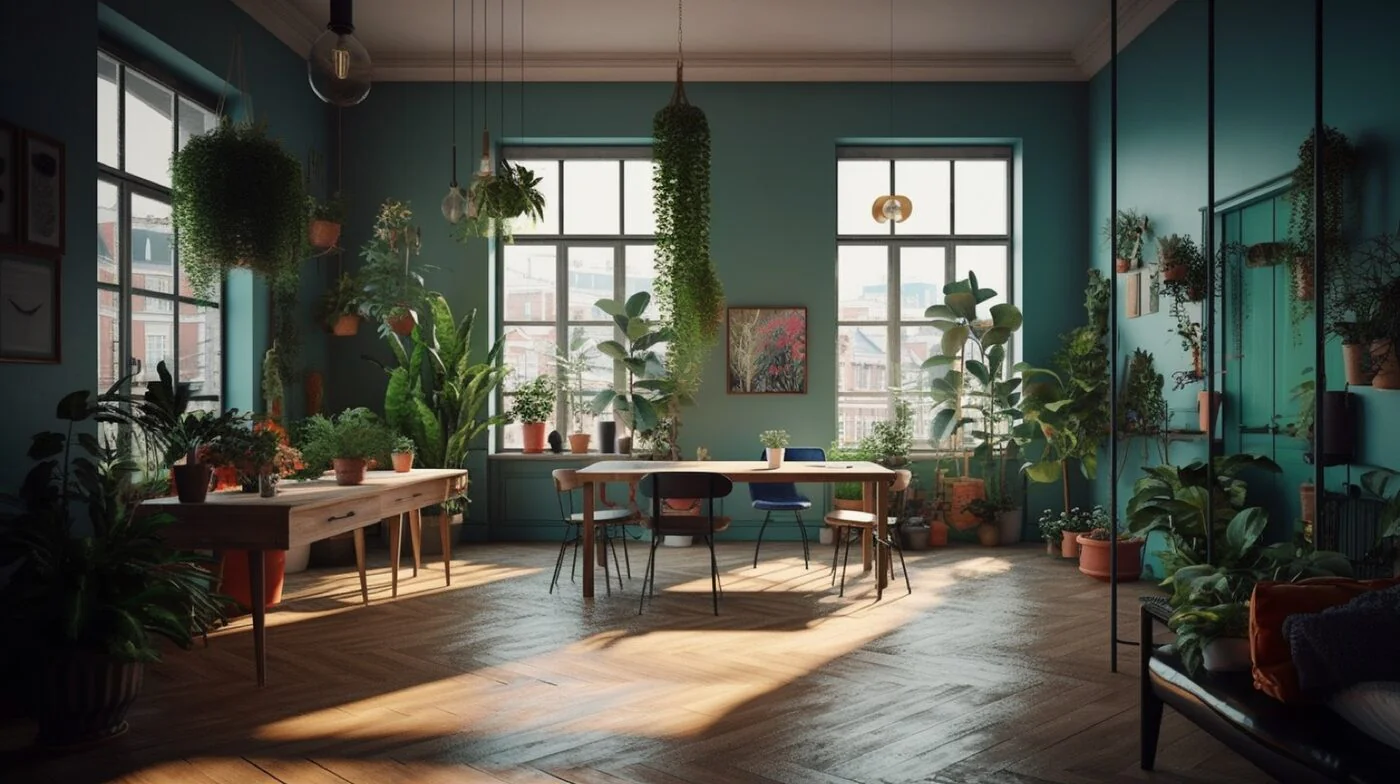
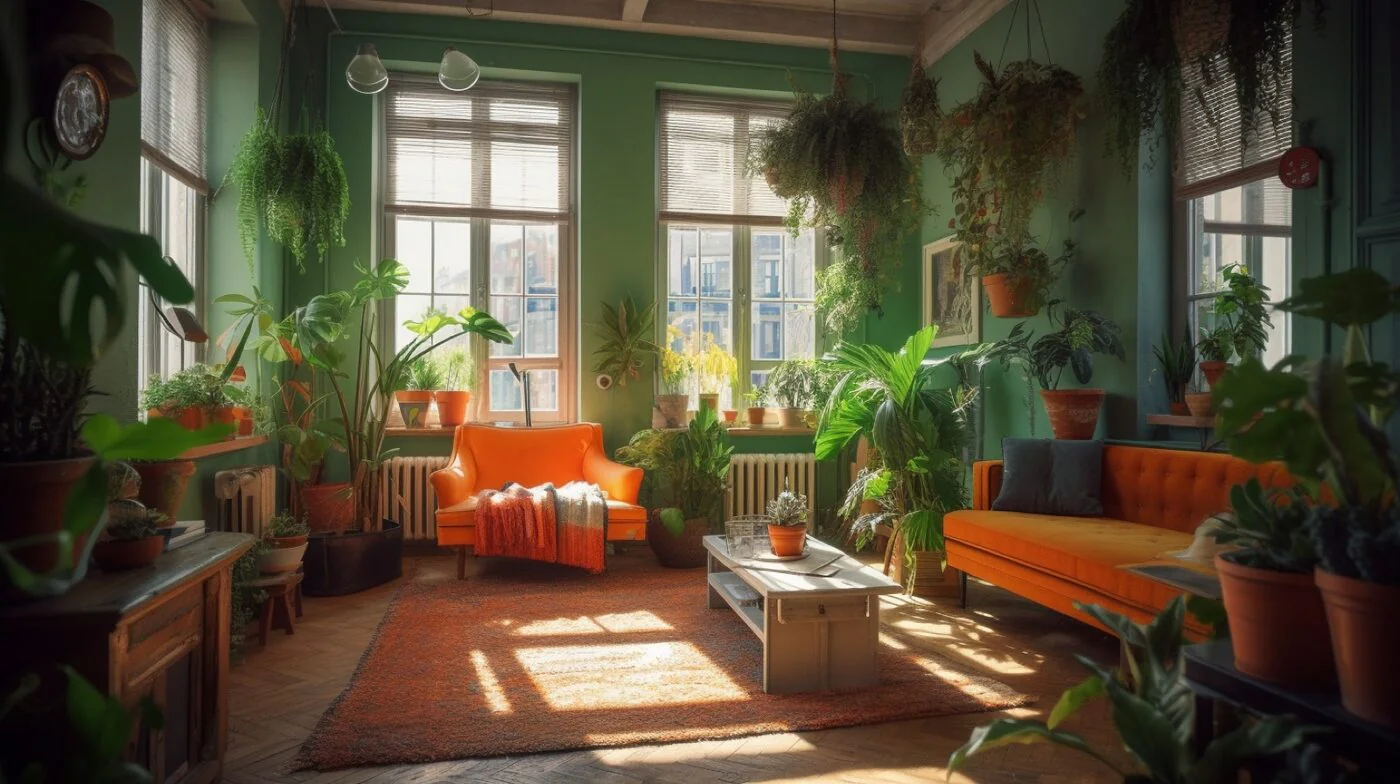
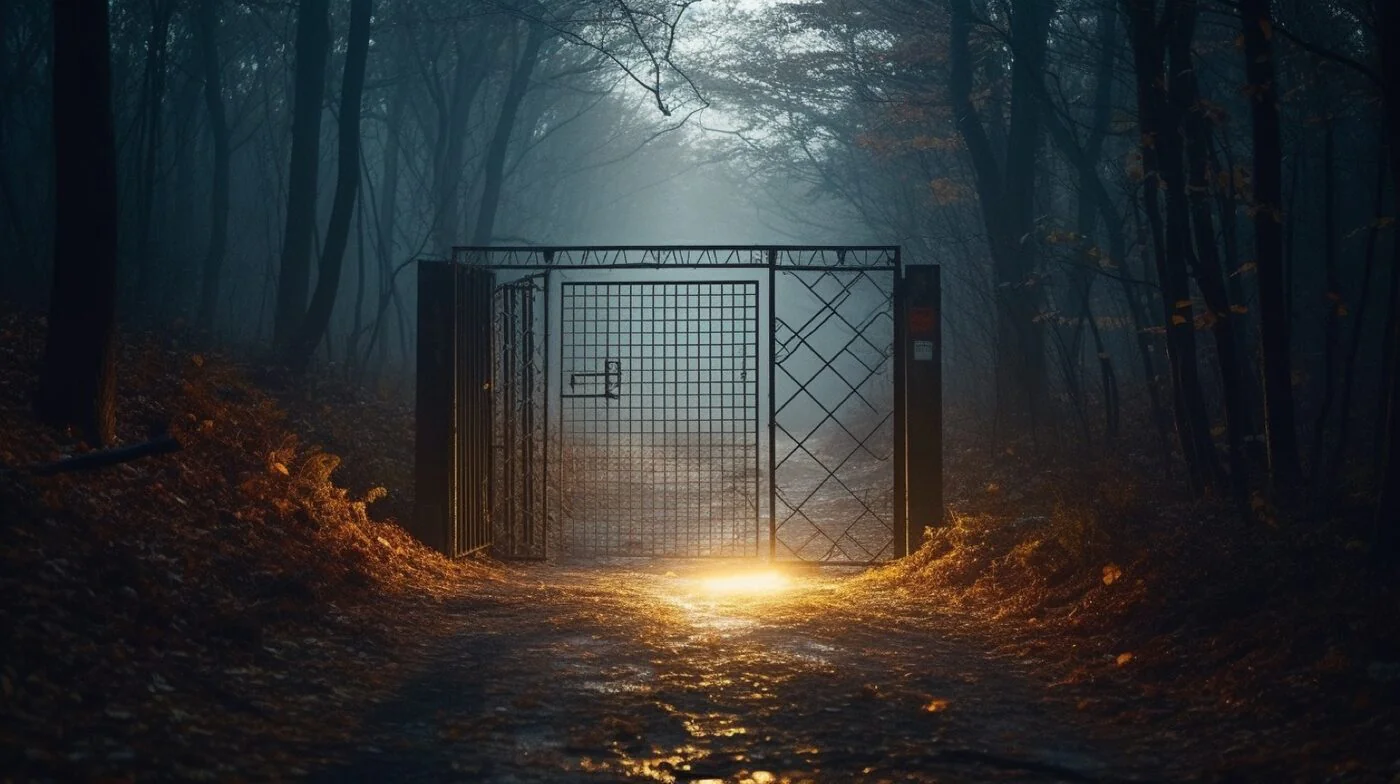
Nature Backgrounds
Nature settings encourage relaxed atmospheres and enhance problem-solving capabilities. Research shows that exposure to natural environments, even virtual ones, can reduce stress and boost creativity. These backgrounds are perfect for calm, creative meetings.
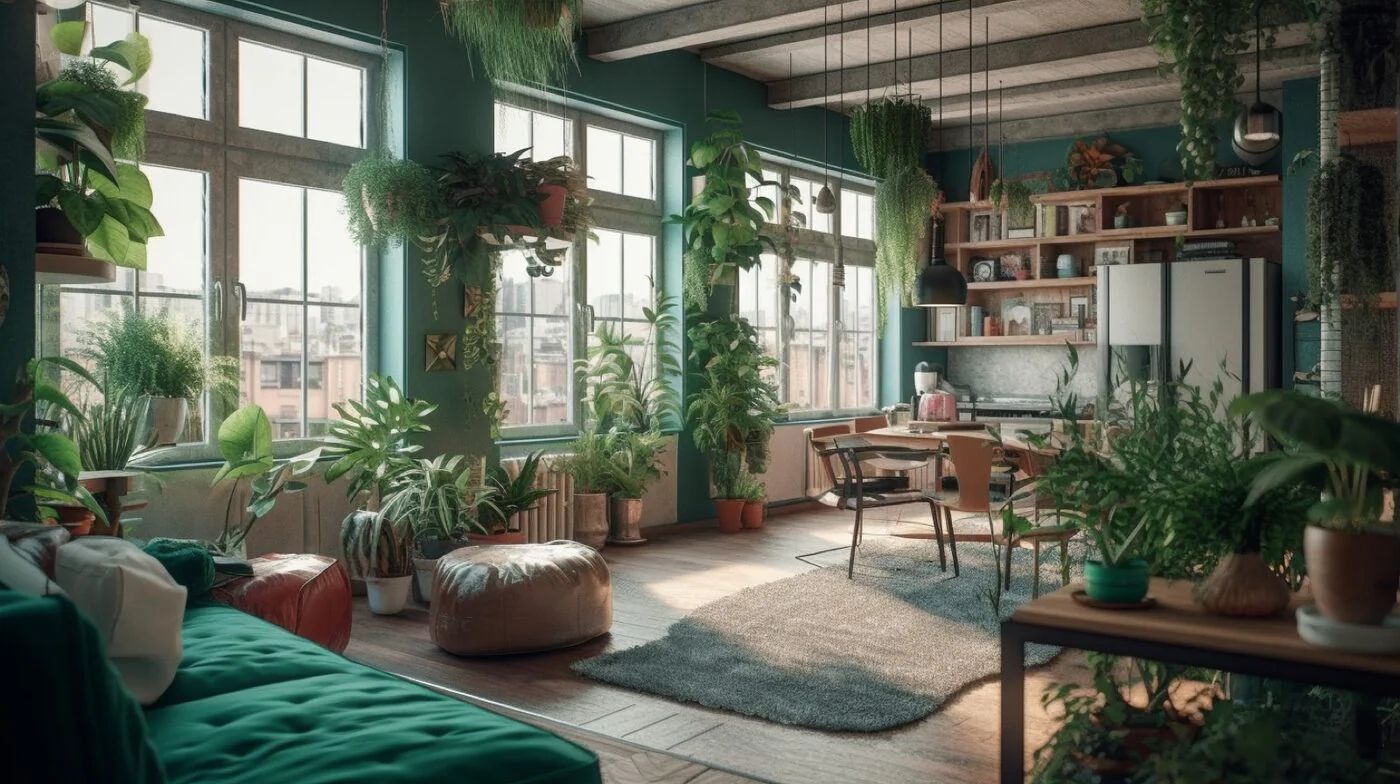
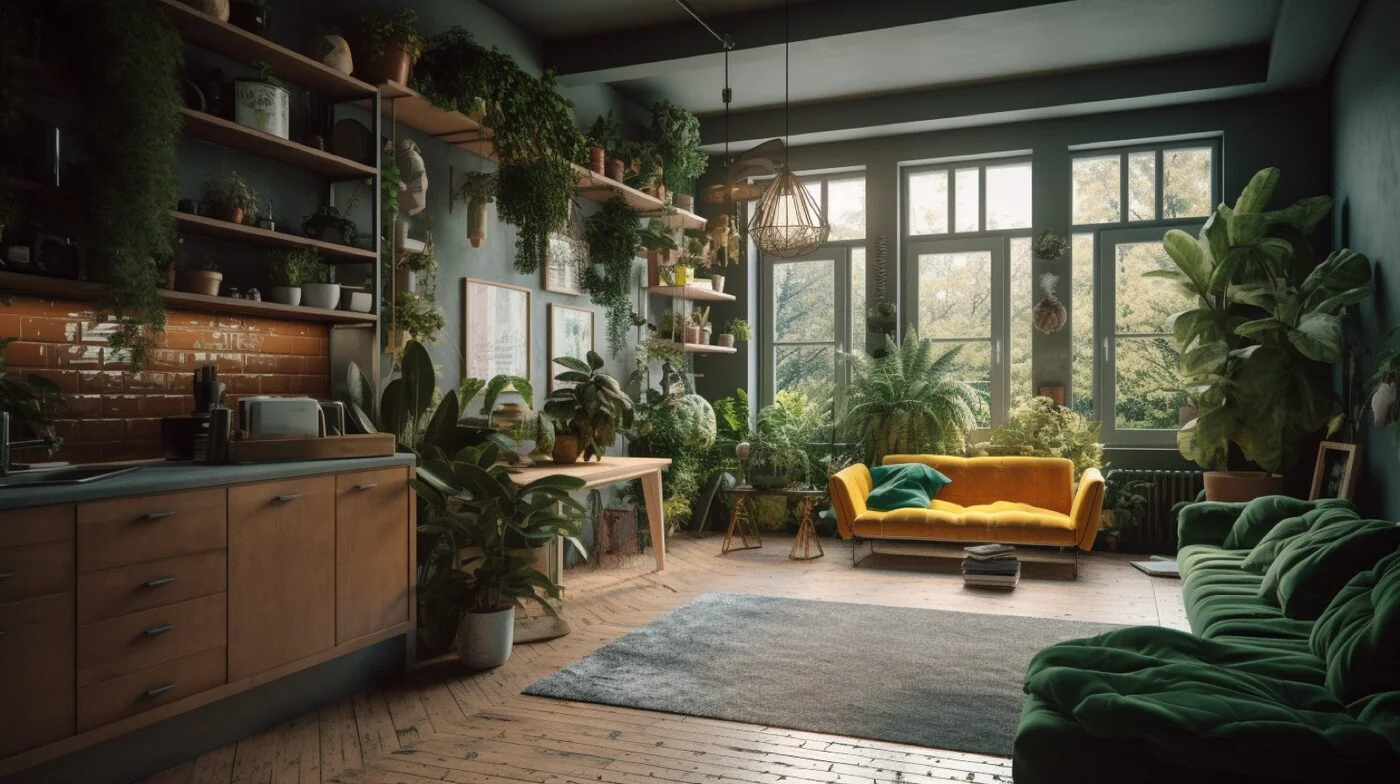




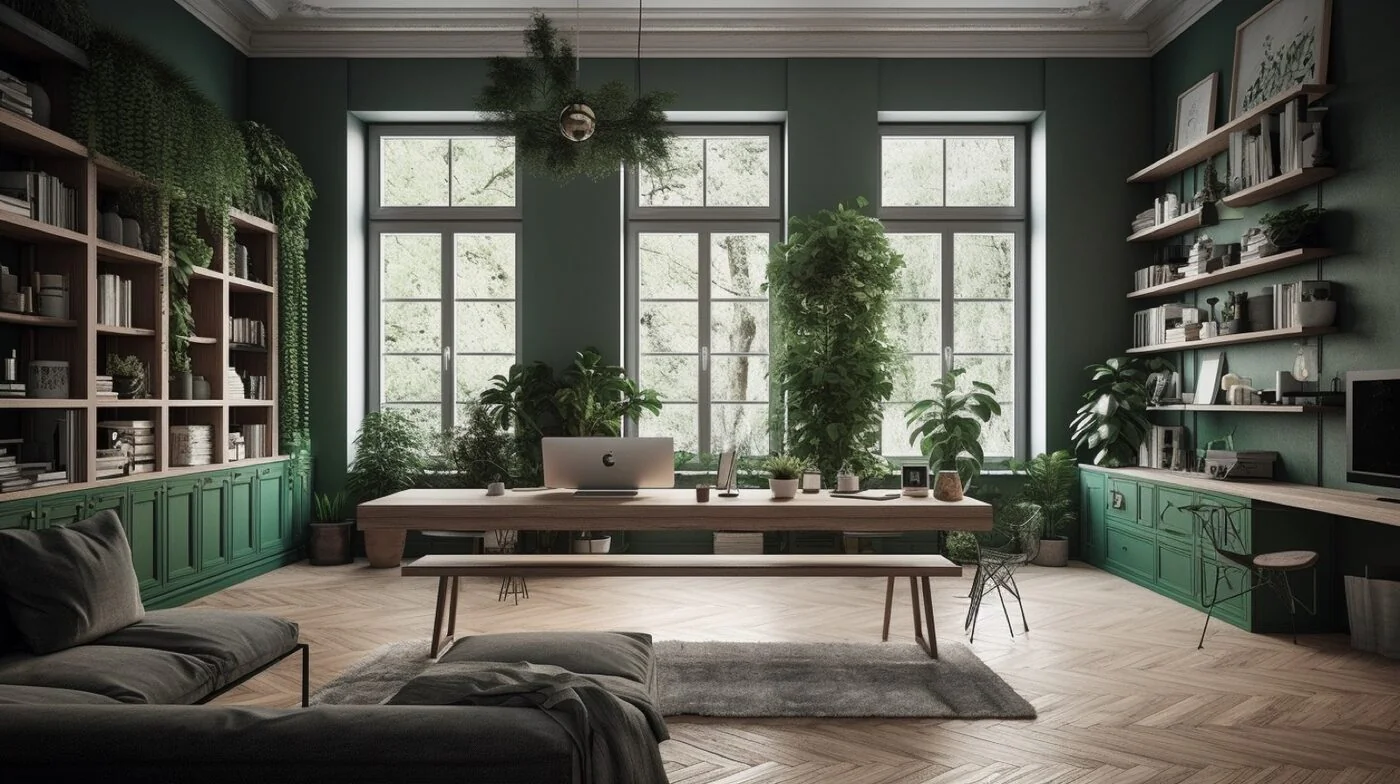
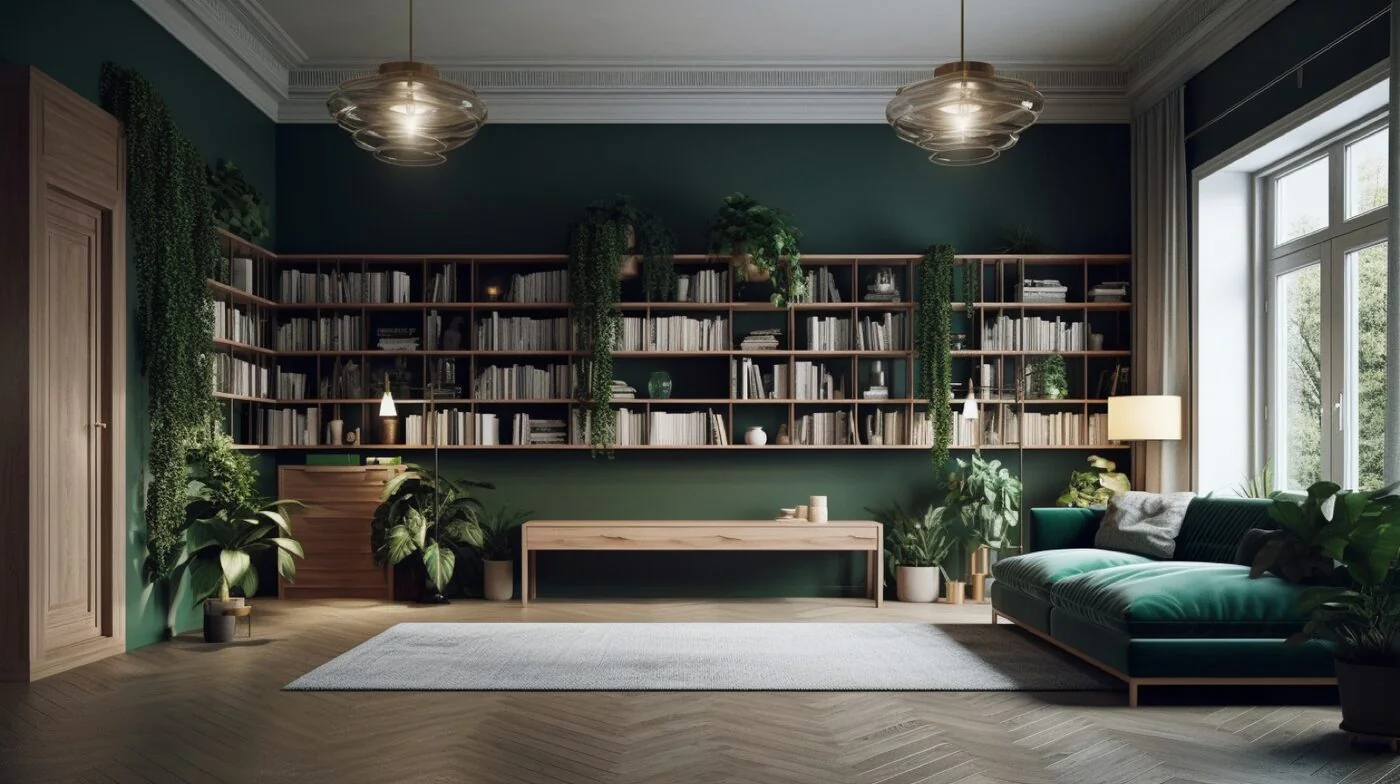
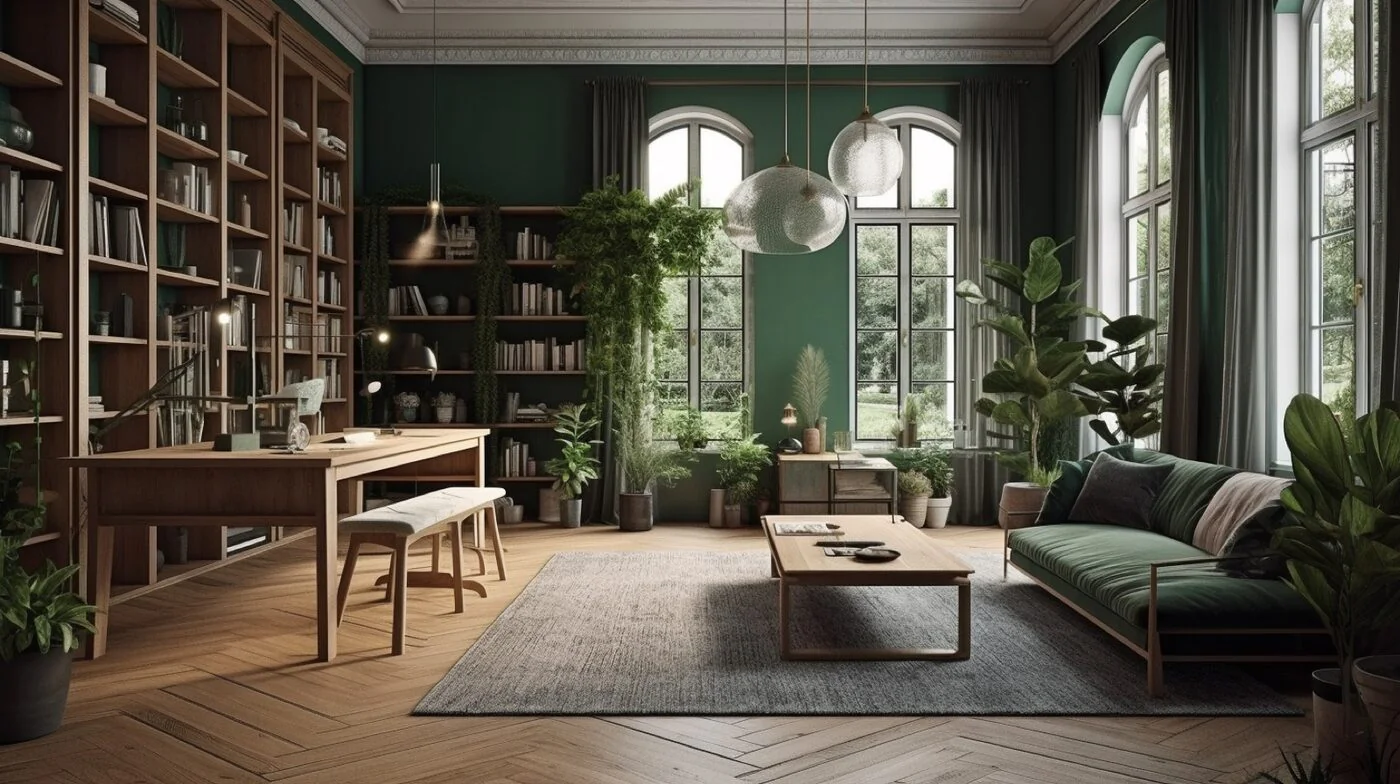
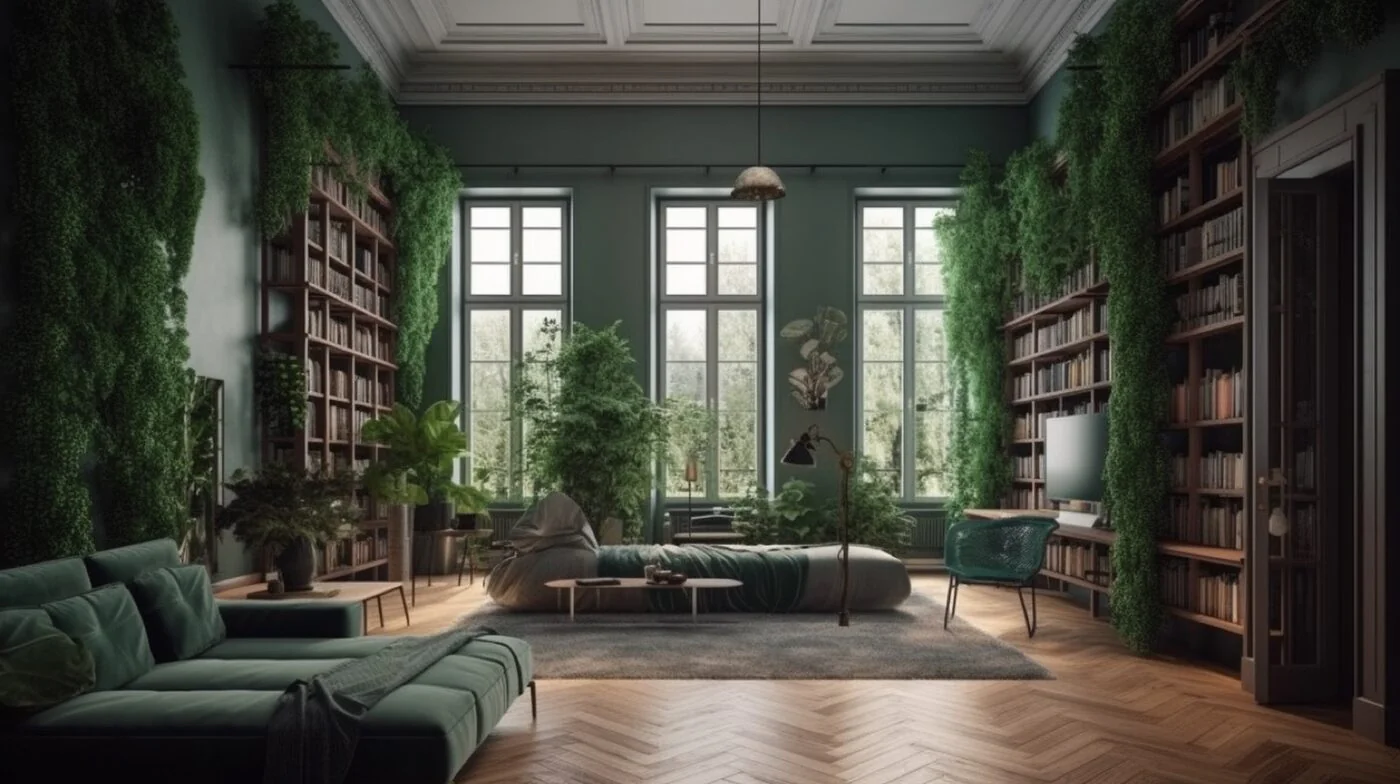
Interior Backgrounds
Interior settings convey professionalism and attention to detail, building trust with clients or colleagues. These stylish apartment and living room backgrounds are perfect for important meetings where you want to project a polished, sophisticated image.





Movies & TV Series Backgrounds
These backgrounds inject personality into your calls and can spark great conversations with your team. From iconic TV show sets to famous movie scenes, these backdrops are perfect for adding entertainment value to your video calls.






Tips for Best Results
- Use good lighting - face a window or light source
- Sit in front of a plain background if possible (helps with edge detection)
- Consider using a green screen for the cleanest results
- Test your background before important meetings
Ready to schedule your next meeting with the perfect background? Sign up for Zencal and let your clients book appointments directly in your calendar.